
Don’t let deals cost you: To protect your money and peace of mind this sales season, we’ve put together key safe-shopping tips — and have added handy messenger settings to help.
Research and verify sellers
- Check the website and social media channels. Pay attention to the design, the quality and accuracy of the text, the availability of contact information, and the return and exchange policy section. Spelling errors, missing refund terms, discounts or prices that seem too good to be true, and a sloppy website layout are common red flags for phishing pages.
- Check the domain. A secure website address starts with “https://” (where the “s” indicates a secure connection protocol) – check the URL in your browser. Also, look closely at the website name: scammers often create clones of well-known stores by changing or adding just one or two letters in the URL.
- Pay attention to how they communicate. If you are chatting with a store, make sure it is an official account — go to the profile, check the contact information, links, and more. On Viber, verified businesses feature a blue tick next to their name.
- Check reviews and ratings from other buyers. Look for feedback not only on the seller’s website or in pinned Instagram stories, but also on Google Maps or marketplaces. Repetitive or exclusively positive comments lacking specific details might be fake. At the same time, a lack of ratings or low scores can be a reason to skip the purchase too.
Follow secure payment and data protection rules
- Ensure payments are made exclusively through secure payment systems. Avoid transferring money to personal bank cards belonging to unknown individuals.
- Beware of third-party links. Beware suspicious links asking you to “confirm delivery,” “process a return,” or “pay for an order” additionally. These may be phishing attempts designed to steal your data.
- Never share confidential information with anyone. No legitimate seller will ever ask you for your PIN, card CVV, one-time SMS passwords, or login credentials for your personal accounts. Do not enter such information in a chat or on a website. Review your messenger security settings
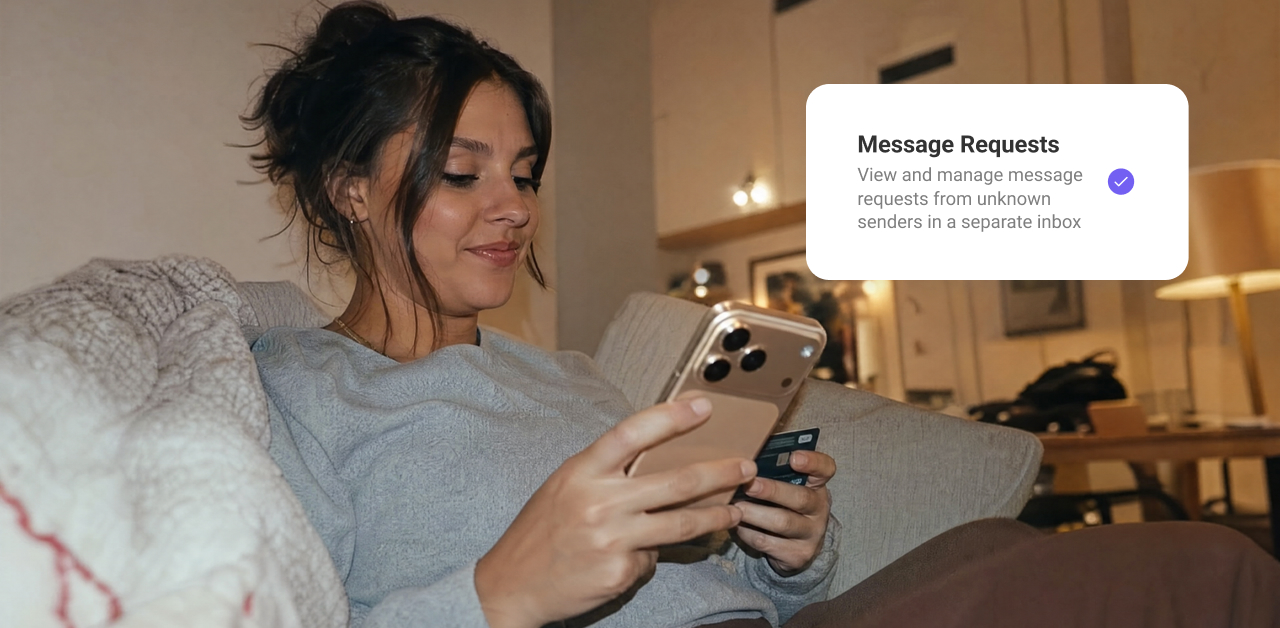
To avoid spam and calls from scammers, enable these settings:
- Message Requests. All messages from unknown numbers automatically go into a separate folder. The chat will initially be blurred, allowing you to decide whether to accept the request (for example, if you are awaiting a delivery notification), block it, or report the contact. Turn on this feature via More → Settings → Privacy → Message Requests.
- Caller ID. This feature tells you who is calling from an unknown number and flags calls as potential spam or fraud, helping you spot unwanted calls right away. To turn on this feature, go to More → Settings → Calls and Messages → Caller ID (free for Android and part of Viber Plus for iOS).
Stay vigilant, verify sellers, and use trusted communication channels. This way, Black Friday will bring only pleasant purchases.